Flexible transcription
Use configurable API transcription providers or local transcription options depending on the workflow you prefer.
Quill helps you speak into any focused text field, clean up transcripts with your configured AI provider, and transform selected text with voice commands. Calendar access is optional and read-only.
Quill is a maintained fork of FreeFlow that keeps the upstream dictation experience while adding Quill-specific workflows and integrations.
Use configurable API transcription providers or local transcription options depending on the workflow you prefer.
When post-processing is enabled, Quill can clean up raw transcripts and produce final output in the language you choose.
Select text, speak an instruction, and let Quill transform the selected text with your configured AI provider.
Add names, jargon, and project-specific terms so transcript cleanup can preserve important spellings.
Choose a microphone independently, then record the microphone, System Audio, or both together — and switch sources mid-recording without ending the session.
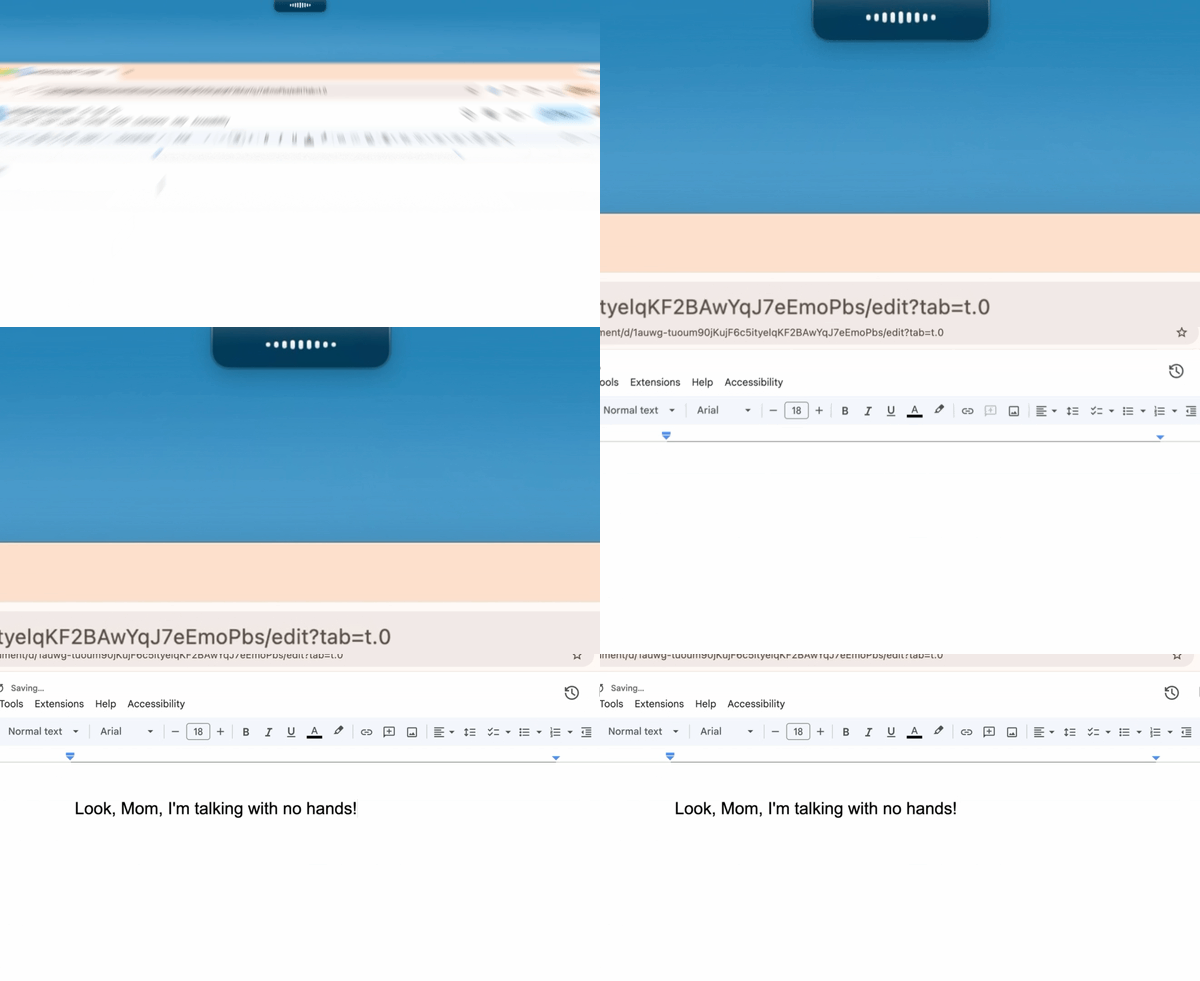
A compact overlay by the notch shows a live waveform while you record, with options to surface the elapsed time on hover or in place of the waveform.
When you allow it in Settings › AI Tools, Quill runs a local MCP server so Claude Code can start and stop recordings, add context, and read structured meeting data for note generation.
Review, retry, and manage dictation results from local run history stored on your Mac.
Quill does not operate a server that stores your transcripts, audio, calendar data, or OAuth tokens.
Quill is local-first. Provider calls, Google Calendar access, iCloud sync, and the MCP server for AI tools are optional parts of the workflows you configure.
Quill can use read-only Google Calendar access to suggest note titles from selected calendars when an event overlaps a live recording, and to show in-app reminders before a meeting starts.
Quill does not operate a server that stores transcripts, audio, calendar data, or OAuth tokens. Google Calendar data is used for title suggestions, reminders, and keeping the matched event with the note; Quill itself doesn't send it to transcription or AI providers. iCloud sync and AI tools get notes, with their matched events, only when you turn them on. Read the privacy policy for the details.